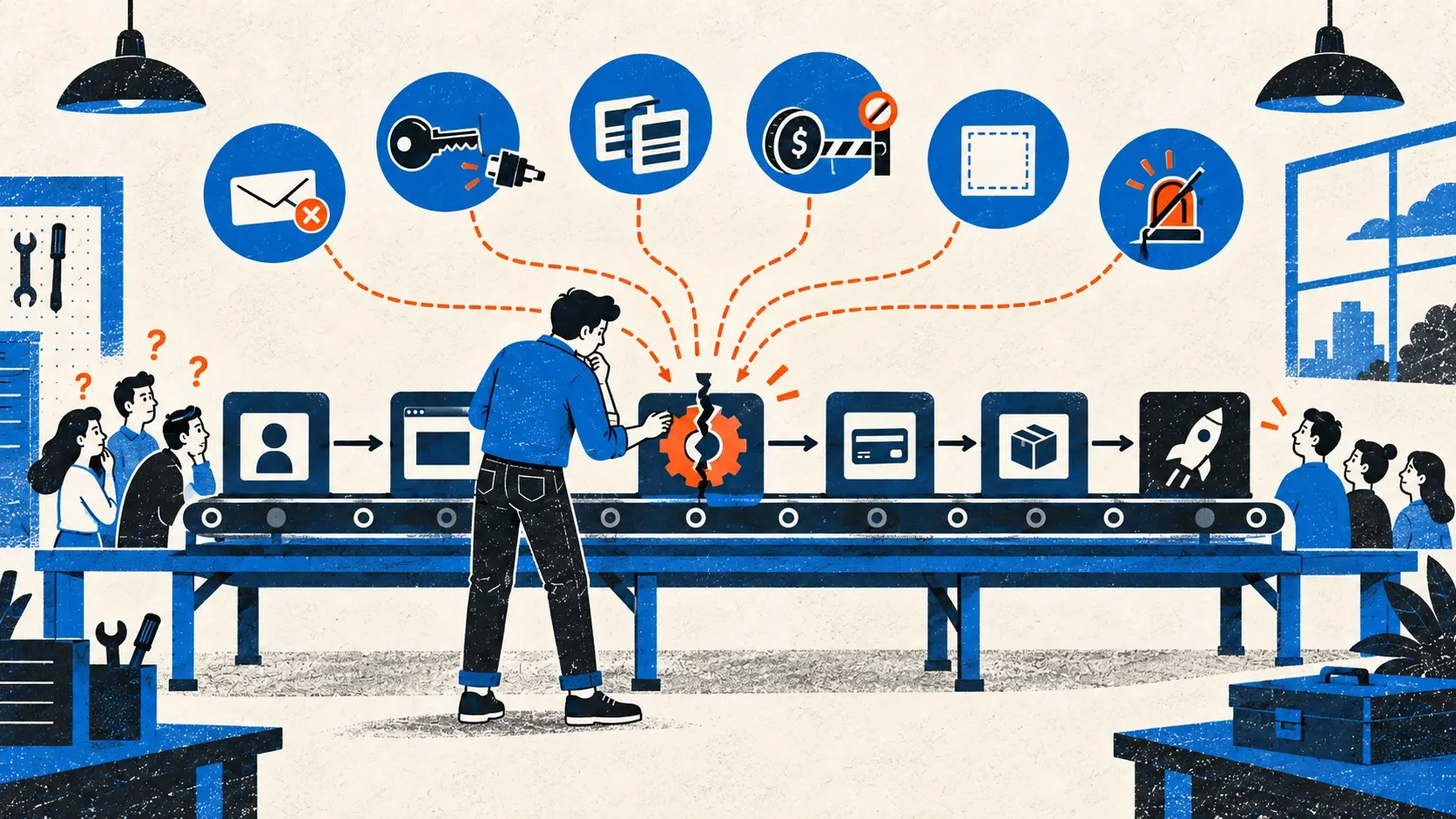
Most launch problems do not announce their cause. They appear as a symptom: no signups, a silent button, a missing email, a login loop, or a user who paid and still cannot enter.
Founders lose time when they name the symptom as the cause. “Conversion is bad” may describe weak demand, vague copy, a broken form, or the wrong crowd.
Begin with what the stranger saw. Then follow the broken promise inward.
1. People arrive and do nothing
First ask whether the visitors are plausible users. A burst from a broad launch site may contain curiosity without need.
For relevant visitors, read the first screen without founder context. Can they name the product, the intended user, the result, and the next action? Check the browser console and network requests before rewriting copy; the primary button may simply be failing.
Then separate arrival, signup start, signup completion, first useful result, and return. The traffic-without-signups diagnosis treats these as different leaks because they require different fixes.
2. Nobody arrives
A launch is not distribution. Publishing a URL does not place it in front of people who understand the problem.
Check whether the announcement reached the right room, whether the product was available to try, and whether the first sentence explained it plainly. For a narrow B2B product, ten direct messages to people doing the work may teach more than a general leaderboard.
Use the launch channel guide to match the channel to the user and the learning required. If search is part of the plan, remember that a new site may take time to be crawled and indexed.
3. The homepage receives clicks but creates confusion
Repeated questions such as “Is this for agencies?” or “What does the scan actually check?” reveal a missing public fact.
Do not answer with a longer slogan. Put the product object, user, result, important limit, and next action into concrete sentences. Show a real output when explanation remains abstract.
The startup homepage clarity guide provides a five-part test. Run it with somebody who has never heard the pitch.
4. Signup submits but no account appears
Record the exact request and response. Check server logs at the same time. Confirm that the production database is reachable and migrated, validation errors reach the interface, and duplicate submissions are safe.
Test a clean address in a private browser. Old founder accounts carry cookies, flags, and records that hide empty-state failures.
If the path worked on localhost, compare deployment configuration, database state, hostnames, and runtime assumptions using the production boundary debugging order.
5. Verification or password-reset email never arrives
A successful call to the email provider proves only that the provider accepted the request. Inspect delivery events, bounces, suppression lists, sender authentication, spam placement, expiry, and the link’s public hostname.
Let the user correct the address and resend within a sensible limit. Publish another recovery path when email is the only key to an account.
Use the transactional email launch check to test the full journey across real inboxes.
6. OAuth returns to the wrong place or loops forever
Compare the exact public callback URL with the value registered at the identity provider. Inspect every redirect and Set-Cookie response. Check Secure, SameSite, domain, path, proxy behavior, and the site URL used to construct callbacks.
Do not keep changing login components when the session cookie is never accepted. The failure lives at the domain boundary.
Test from a clean browser on the production hostname. Preview and production credentials should not be interchangeable by accident.
7. A user pays but remains unpaid inside the app
The browser’s success page is not reliable proof of payment. The user can close it, refresh it, or arrive before the provider’s event.
Verify webhook signatures. Make processing idempotent. Store provider event identifiers. Test delayed delivery, retry, duplicate delivery, decline, cancellation, refund, and subscription changes.
Use the full Stripe payment and entitlement diagnosis to trace the Checkout Session, signed event, fulfillment job, and local access state without asking the customer to pay again.
Pause the affected purchase path if the product can charge without granting the promised result. The AI-built app production checklist puts money paths in the must-work category for a reason.
8. The same action happens twice
People double-click. Browsers retry. Queues redeliver. Providers resend webhooks. A unique button state is useful feedback, but the server must still make repeated requests safe.
Use an idempotency key or a durable uniqueness rule around the consequence. Test two near-simultaneous requests, not only two slow clicks. Payments, invitations, exports, emails, and destructive actions deserve this treatment.
Trace the path through the AI-generated code review method: identify the invariant, find the enforcement point, and try to violate it.
9. The app breaks only for strangers
Your browser has warm caches, valid cookies, privileged data, and a memory of the interface. The stranger has none.
Use a phone on cellular data. Create the first account. Deny a permission. refresh halfway through. Open a deep link directly. Use the back button after a state change. Try an empty file, a large file, an expired link, and a second account.
The first-minute onboarding guide helps locate the earliest point where the product asks for effort before proving value.
10. Search engines cannot find the site
Check the final HTTP status, live robots.txt, page-level robots directives, canonical URL, server-rendered text, internal links, and sitemap entry. Confirm that staging rules did not survive the launch.
Do not use robots.txt as privacy protection. Do not resubmit the same sitemap each morning and call it diagnosis.
The new-site indexing guide separates discovery, crawling, indexing, and ranking so you can fix the stage that actually failed.
11. The website works, but it does not feel trustworthy
Visitors cannot verify who operates the product, how to reach them, what happens to data, what the price includes, or how to leave. The product may be honest while the website withholds the evidence.
Publish accurate about, contact, privacy, terms, pricing, and support information in proportion to the request you make of users. Do not imitate the legal or security posture of a larger company. State the real operator and current controls.
Use the website trust signals guide to inspect the complete promise rather than adding decorative badges.
12. Launch feedback points in every direction
Sort feedback by evidence and consequence.
- Harm involving money, privacy, security, data loss, or broad access comes first.
- Repeated failure in the core journey comes next.
- Confusion deserves investigation before more copy.
- Requests from strong users deserve a conversation.
- General preferences remain cheap until behavior supports them.
Do not reconstruct the product live in response to the loudest comment. Preserve the timeline, make narrow changes, and run a startup launch retrospective within two working days.
Use the promise ladder
When a launch feels generally bad, inspect promises in this order:
- Reach: Could the intended user find the product?
- Understanding: Could they explain what it does?
- Access: Could they create and recover an account?
- Value: Could they complete the core job?
- Money: Did payment and entitlement agree?
- Safety: Were identity, permissions, and data boundaries preserved?
- Return: Did a useful user come back?
Stop at the first broken promise. Later numbers cannot rescue it.
A recurring point in Hacker News launch advice is that the first public week can teach more about users, product, and infrastructure than months of private polishing. That is true only if the evidence survives the noise. Fix the failures that cost trust. Keep the rough edges that merely reveal where the product is young. Then launch again.