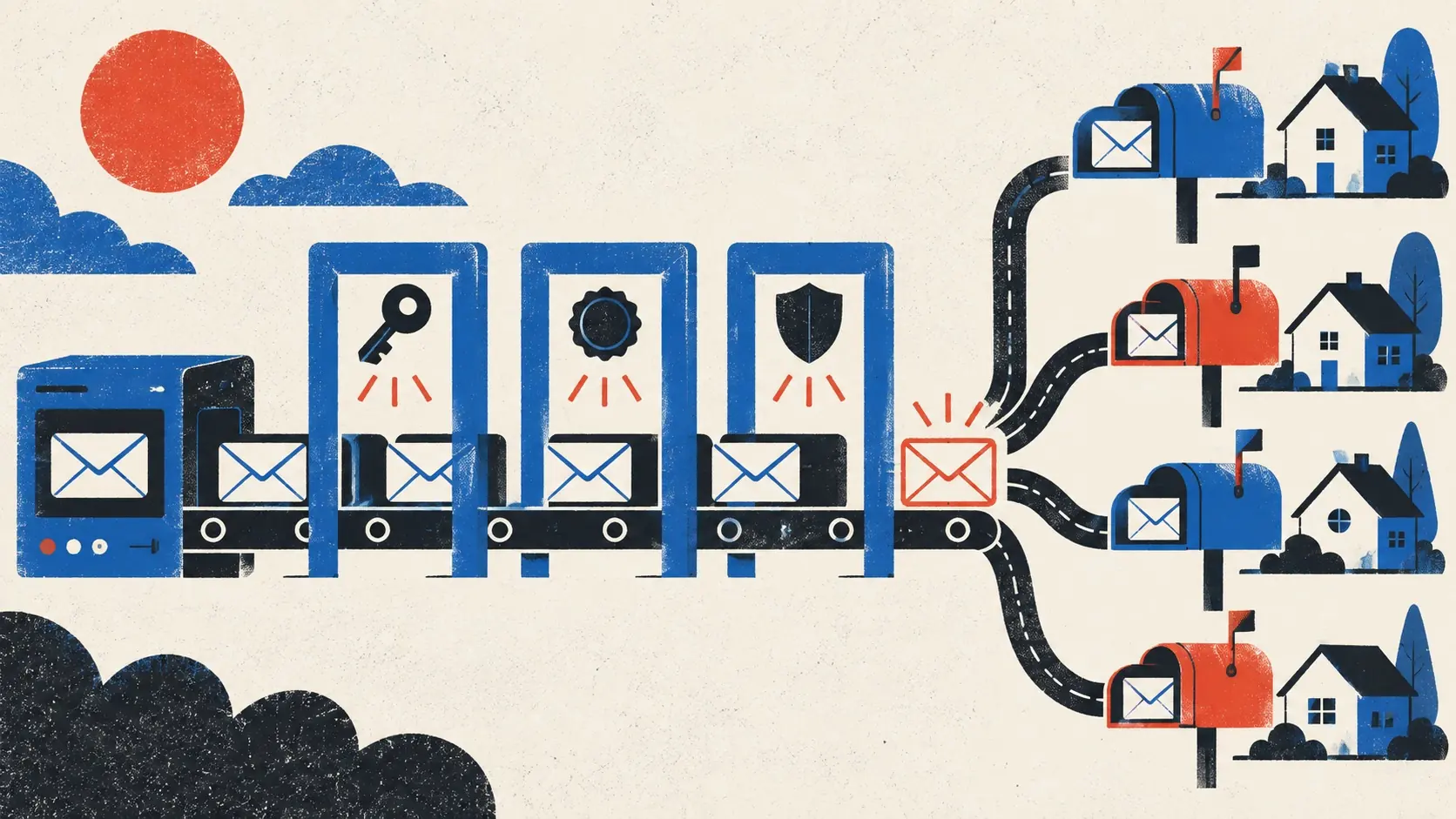
An app can be healthy while every new user believes it is broken.
The missing piece is often email: the verification link in spam, the password reset that arrives late, or the receipt sent from an address nobody can reply to.
Transactional email is part of the interface. Test it like a button.
List every message that carries a product promise
Write down the emails required to finish or recover a job: address verification, password reset, login link, invitation, receipt, payment failure, export completion, alert, and account deletion.
For each one, name the trigger, recipient, expected delay, expiry, retry behavior, and safe next action. Remove messages the product does not need.
Do not place passwords, private record contents, access tokens, or sensitive query values in subject lines. Inboxes and notification previews are public surfaces more often than founders expect.
Authenticate the sending domain
Configure the records required by the email provider. In practice this commonly includes SPF, DKIM, and DMARC, plus a custom return path when supported.
These controls help receiving systems verify who may send for the domain and make spoofing harder. They do not guarantee inbox placement. Postmark’s email delivery troubleshooting guide correctly treats authentication as the first check, not a silver bullet.
Use one valid SPF record for the domain. Copy provider values carefully. Verify the live DNS result rather than trusting the settings screen.
Separate product mail from campaigns
Transactional messages have different urgency and reputation risk from newsletters or launch blasts. Use the provider’s separate streams or sending subdomains when the setup supports them.
A promotional spike or poor list can then do less damage to password resets and receipts. The visible sender can still remain clear and consistent for users.
Test across real inboxes
Send production messages to several major mailbox providers and to a domain you control. Check inbox, spam, tabs, delay, sender name, subject, preview text, reply behavior, plain-text part, dark mode, and phone layout.
Open every link once, twice, after signing in elsewhere, and after expiry. Confirm that a forwarded sensitive link does not grant more access than intended. Preserve form work when a verification round-trip returns the user to the app.
Handle failure as product state
Email APIs can accept a message that later bounces. Store provider identifiers and delivery events. Surface a useful status when a critical message fails. Let the user correct the address and resend with a limit.
Make sending idempotent where repeated events could create duplicate receipts, invitations, or alerts. Retry temporary provider failures with a cap. Do not retry a permanent bounce forever.
Provide another recovery path when email is the only key to the account. At minimum, publish a support route and decide what evidence is required before changing an address.
Run the outside-in launch check
Create a new production account from a phone. Verify it. Complete the core job. Pay when relevant. Sign out. Reset the password. Invite another account. Trigger a receipt. Reply to support.
Then inspect the logs and delete the test data. This belongs beside the AI-built app production checklist, not in a later marketing task.
Email is invisible when it works. Before launch, make it visible on purpose.